
How to remove Internet Explorer from Windows 10 with Intune – Cloud First
I just wrote a blog post on “How to manage Microsoft Internet Explorer browser on a modern desktop” to use Internet Explorer as a compatibility browser. When you don’t have any site left that need Internet Explorer it is a good idea to remove it.
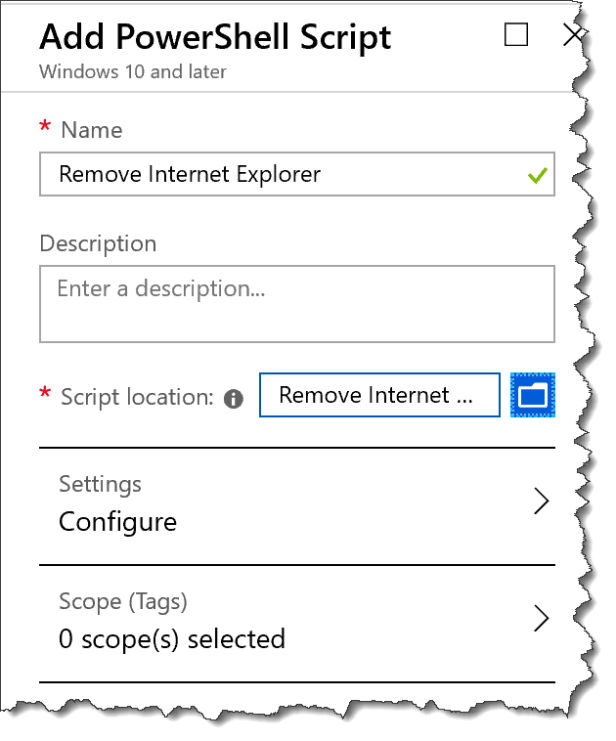
You can download the script from my Github
##################################################################################################

###################################################################################################

#Powershell Script To remove Interner Explorer
#Check If remove Interner Explorer Are Already Installed
$check = Get-WindowsOptionalFeature -Online | Where-Object {$_.FeatureName -eq "Internet-Explorer-Optional-amd64"}
If ($check.State -ne "Disabled")
{
#Remove Internet Explorer
Disable-WindowsOptionalFeature -FeatureName Internet-Explorer-Optional-amd64 -Online -NoRestart | Out-Null
}


