IOS DEP lock the Company Portal in single app mode until user sign-in – Cloud First
With the release of Intune the last week of august 2018, it is now possible to lock the Company Portal in single app mode until user sign-in on IOS when using DEP.
You now have the option to run the Company Portal in Single App mode if you authenticate a user through the Company Portal instead of Setup Assistant during DEP enrollment. This option locks the device immediately after Setup Assistant completes so that a user must sign in to access the device. This process makes sure that the device completes onboarding and is not orphaned in a state without any user tied.
The issue has been – when you are using MFA for enrollment or user sign-in on IOS – the native Apple setup assistant is not working with MFA. So when using the feature “Authenticate with Company Portal instead of Apple Setup Assistant” the user will not be prompted for user login even when using User Affinity.

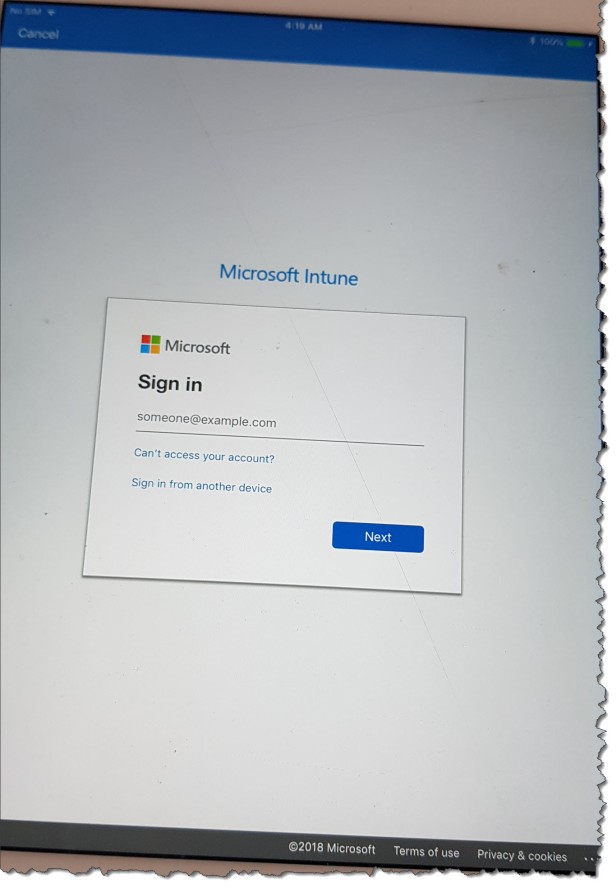
The user experience after the change:
Company portal will be installed in the background on the device and auto started the end user has the option to login with the Azure AD and the cancel in the top left corner will not work.